In today’s fast-paced digital world, clear, reliable audio isn’t just a luxury – it’s a necessity. Whether you’re navigating back-to-back virtual meetings, immersing yourself in the latest gaming titles, or simply enjoying your favorite tunes, the quality of your wireless audio setup can make or break your experience. You might think your computer’s built-in Bluetooth is enough, but for true performance, a dedicated Bluetooth headset with a dongle is the superior choice. This powerful combination unlocks a realm of enhanced stability, pristine sound, and seamless connectivity that standard setups often struggle to deliver. At Qisac.com, we understand the nuances of wireless technology, and we’re here to guide you through mastering your audio experience with this essential pairing.
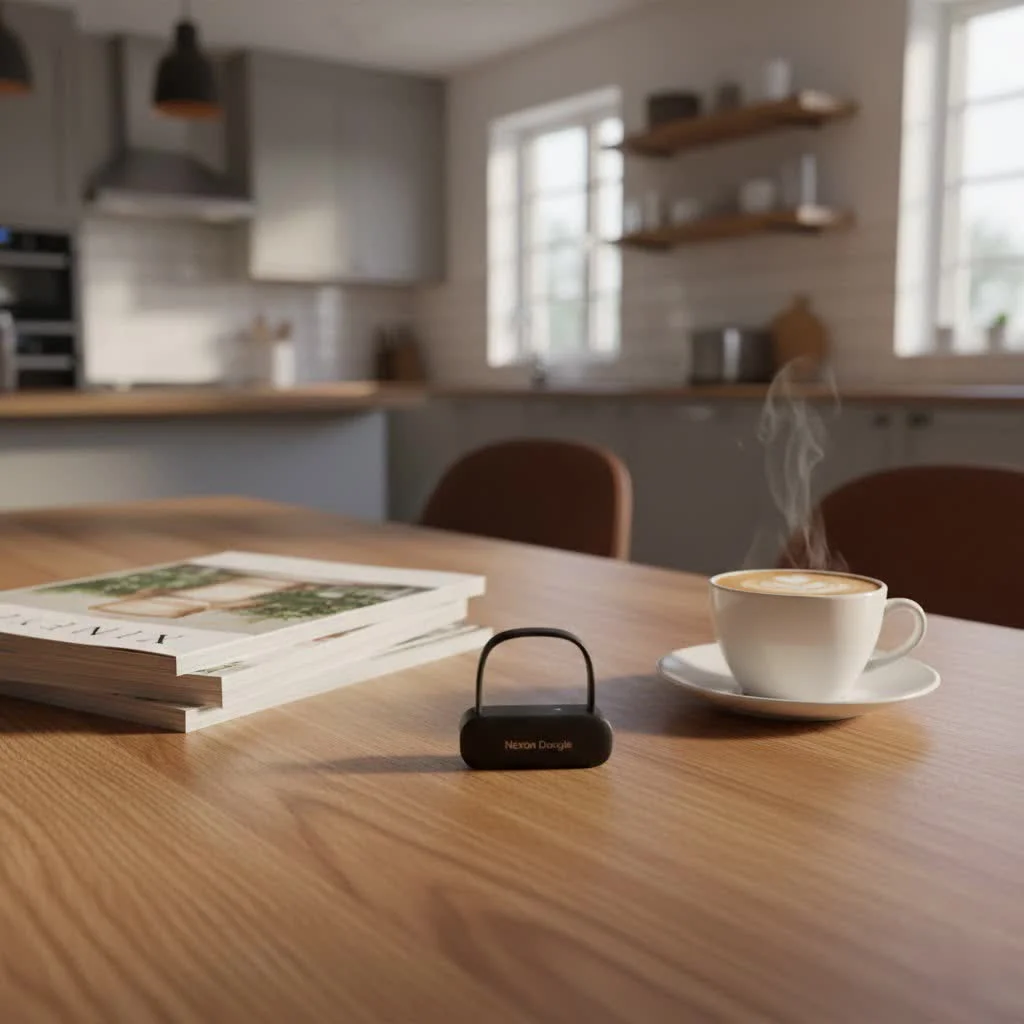
Why a Bluetooth Headset with a Dongle is Your Best Bet
When it comes to wireless audio, the magic often lies in the dedicated connection provided by a dongle. It’s more than just an accessory; it’s a performance enhancer.
The Unsung Hero: Understanding the Dongle’s Role
At its core, a Bluetooth dongle acts as a specialized wireless adapter, creating a direct, optimized link between your headset and your device. Unlike relying on a computer’s potentially generic internal Bluetooth chip, a dongle is often purpose-built to work in harmony with your specific headset, ensuring peak performance.
Unrivaled Stability and Extended Range
One of the most immediate benefits of pairing your bluetooth headset with a dongle is the dramatic improvement in connection stability. Dongles are engineered to minimize interference, providing a robust and consistent audio stream. This means fewer dropouts and less frustration during crucial calls or intense gaming sessions. Furthermore, dedicated dongles often offer a significantly extended wireless range, sometimes up to 100 feet, allowing you to move freely around your workspace without losing connection, a stark contrast to the typical 30-foot limit of many built-in Bluetooth systems.
Crystal-Clear Audio and Ultra-Low Latency
For anyone who values audio fidelity, a dongle is indispensable. Many high-quality dongles include dedicated audio processing capabilities and support for advanced codecs like aptX Low Latency or aptX Adaptive. These technologies dramatically reduce audio delay, ensuring that sound is perfectly synchronized with video – a critical factor for competitive gaming, video conferencing, or watching movies. This dedicated processing also means wideband audio support, translating to higher voice quality and richer music playback that generic Bluetooth often can’t replicate.
Seamless Call Control and UC Integration
For business professionals, a bluetooth headset with a dongle truly shines. Dongles enable seamless integration with Unified Communications (UC) platforms like Microsoft Teams and Zoom, allowing you to answer, end, and manage calls directly from your headset controls. Without a dongle, headsets paired directly to a PC often lack these advanced call control features, forcing you to manage calls through software interfaces and severely hindering productivity. Many professional headsets and their accompanying dongles are also UC-certified, guaranteeing optimal performance and compatibility with your preferred communication tools.
Beyond Basic Connectivity: Enhanced Compatibility and Features
|
Our Picks for the Best Bluetooth Dongle in 2026
As an Amazon Associate I earn from qualifying purchases.
|
||
| Num | Product | Action |
|---|---|---|
| 1 | TP-Link USB Bluetooth Adapter for PC - Bluetooth 5.4 Dongle Receiver, Plug and Play, Nano Design, EDR & BLE, Supports Windows 11/10/8.1/7 for Desktop, Laptop, Keyboard, Mouse, etc (UB500) |

|
| 2 | TP-Link USB Bluetooth Adapter for PC, Bluetooth 5.3 Long Range Receiver, Plug and Play, Adjustable Antenna, Supports Windows 11/10/8.1/7 for Desktop, Laptop, Keyboard, Mouse, etc (UB500 Plus) |
|
| 3 | Fardriver Programmable Bluetooth Dongle Controller for E-Bike,Programmable Bluetooth Adapter Compatible with Fardriver E Bike |
|
| 4 | Fardriver Programmable Wireless Adapter Dongle Fardriver Controller Programming Module |
|
| 5 | Fardriver Programmable Bluetooth Dongle for Fardriver Controller, Bluetooth Adapter Compatible with Fardriver E Bike Programming Module |
|
| 6 | Fardriver Bluetooth Dongle,Programmable Adapter,Bluetooth Dongle for Ebike Controller,Compatible with Fardriver Controller |
|
| 7 | ASUS USB-BT500 USB Adapter with Ultra Small Design, Bluetooth 5, Backward Compatible with Bluetooth®2.1/3.x/4.x, TAA Compliant (USB-BT500) |
|
| 8 | Avantree DG45 USB Bluetooth Adapter Dongle for PC, Computer, Desktop & Laptop, Compatible with Windows 11/10/8.1/8 Only - Connects Bluetooth Headphones, Speakers, Keyboards, Mice & Printers (Not 2.4G) |
|
| 9 | UGREEN USB Bluetooth 5.3 Adapter for PC, Plug & Play for Windows 11/10/8.1, Bluetooth Receiver & Transmitter for Keyboard/Mouse/Headphone/Speakers/Printer |
|
| 10 | Ebike Programmable Bluetooth Dongle for Fardriver Controller,Bluetooth Adapter,Compatible with Soleil01 Electric Bicycles |
|
A dongle ensures that your headset utilizes the correct Bluetooth profiles and protocols for optimal performance, regardless of the host device’s internal Bluetooth capabilities. This leads to broader compatibility across different operating systems and devices, making your headset more versatile. Some advanced dongles even support dual connections, letting you link your headset to your computer via the dongle while simultaneously pairing with your mobile phone via Bluetooth, offering unparalleled flexibility. Additionally, manufacturer-specific software often works best, or exclusively, when a dongle is in use, providing access to advanced features, customization options, and crucial firmware updates.
Dongle vs. Built-in Bluetooth: Why Dedicated Wins
Many modern laptops and desktops come with built-in Bluetooth, leading some to wonder if a dongle is truly necessary. The truth is, while built-in Bluetooth is convenient for basic tasks, a dedicated dongle offers a distinctly superior experience, especially for demanding applications like professional communication or gaming.
| Feature | USB Dongle (with a dedicated headset) | Built-in PC Bluetooth |
|---|---|---|
| Connection Stability | Dedicated, pre-paired, minimizes interference, rock-solid connections | Prone to interference, stuttering, and drops from Wi-Fi/peripherals |
| Audio Quality | Consistent, professional-grade, wideband audio, low latency codecs (aptX) | May degrade due to Windows limitations, codec mismatches, inconsistent quality |
| Microphone Performance | Advanced noise-canceling, clear voice pickup, optimized for calls | Can let in more ambient noise, less reliable for work calls |
| Wireless Range | Extended range (up to 100ft+) for greater mobility | Limited range (typically 30ft or less), restricting movement |
| Call Control Features | Seamless integration with UC apps (answer/end calls from headset) | Often lacks advanced features, requires managing calls from PC GUI |
| Setup & Compatibility | Plug-and-play with UC certifications, simplified, consistent pairing | Can be “hit or miss,” pairing issues, not UC optimized |
| Latency | Near zero latency, perfect audio/video sync | Noticeable latency (50-200ms) on Windows, potential sync issues |
“The synergy between a high-quality Bluetooth headset and its dedicated dongle isn’t just about convenience; it’s about unlocking a level of performance – from crystal-clear calls to hyper-responsive gaming audio – that generic integrated Bluetooth often can’t match,” explains Dr. Lena Sharma, Wireless Connectivity Specialist at Qisac.com.
Choosing the Right Bluetooth Headset with Dongle
Selecting the perfect bluetooth headset with dongle involves understanding your specific needs and priorities.
Consider Your Primary Use Case
- Office/Unified Communications (UC): Look for headsets certified for Microsoft Teams or Zoom. These typically come with dongles optimized for call control, superior microphone clarity with noise cancellation, and features like busy lights. Brands like Jabra and Poly excel here.
- Gaming: Low latency is paramount. Gaming headsets with proprietary 2.4GHz wireless dongles (often marketed as “wireless” rather than “Bluetooth” due to lower latency) or dongles supporting aptX Adaptive/Low Latency codecs are ideal. SteelSeries, Razer, and Audeze are popular choices.
- General PC Use/Music: While still benefiting from a dongle’s stability, your focus might be more on overall audio quality, comfort, and battery life. Many business-grade headsets also perform excellently for general use.
Compatibility Matters
Ensure the dongle’s USB type (USB-A or USB-C) matches available ports on your device. Most dongles are plug-and-play with Windows and macOS, but always check for specific OS compatibility, especially for Linux or gaming consoles (PS4, PS5, Nintendo Switch often have specific dongle requirements).
Key Features to Look For
- Bluetooth Version: Bluetooth 5.0 or newer (like 5.3 or 5.4) offers improved range, speed, and energy efficiency.
- Audio Codecs: For the best sound and lowest latency, look for aptX Low Latency, aptX Adaptive, or manufacturer-specific low-latency technologies.
- Microphone Quality: A good boom microphone with active noise cancellation (ANC) or environmental noise cancellation (ENC) is vital for clear communication.
- Battery Life: Longer battery life is always a plus, especially for busy workdays or extended gaming sessions.
- Comfort: Consider over-ear, on-ear, or in-ear styles and materials for long-term wear.
Setting Up Your Bluetooth Headset with a Dongle: A Step-by-Step Guide
Getting your new bluetooth headset with dongle up and running is typically straightforward. Follow these steps for a smooth setup:
1. Plug in the Dongle
Locate an available USB port on your computer or compatible device and firmly insert the dongle. In most cases, your system will automatically detect the dongle and install any necessary basic drivers.
2. Power On and Enter Pairing Mode
First, power on your Bluetooth headset. For many models, you’ll then need to put both the headset and the dongle into pairing mode.
- Headset: This usually involves pressing and holding the power button or a dedicated pairing button for 3-10 seconds until an LED indicator flashes rapidly (often blue and white). Consult your headset’s manual for precise instructions.
- Dongle: Some dongles enter pairing mode automatically when first plugged in. Others may have a small button (sometimes requiring a pin) to initiate pairing, indicated by a flashing LED.
Once both are in pairing mode, they should connect almost instantly. The dongle’s LED typically changes from flashing to a solid light to confirm a successful connection.
3. Configure Audio Settings
After pairing, you’ll need to select your headset as the default audio device:
- Windows/macOS: Go to your operating system’s Sound Settings. Under both “Input” (microphone) and “Output” (speakers), select your headset (which will often be identified by the dongle’s name, e.g., “Jabra Link 380” or “Avantree DG80”).
- UC Applications (Zoom, Teams): Within your meeting software’s audio settings, specifically choose your headset for both microphone and speaker output to ensure full call control functionality.
- Gaming Consoles (PS5): Navigate to the audio settings and set the USB headset (dongle) as the output device, and often a controller headset as the input for chat if the dongle is primarily for game audio.
4. Install Manufacturer Software (Optional but Recommended)
For professional-grade headsets, downloading the manufacturer’s software (e.g., Jabra Direct, Poly Lens) is highly recommended. These applications allow you to update firmware, customize settings, access advanced features, and troubleshoot more effectively, ensuring your bluetooth headset with dongle performs at its peak.
Troubleshooting Common Bluetooth Dongle Issues
Even with the best equipment, occasional glitches can occur. Here’s how to tackle common problems:
Headset Not Pairing
If your headset isn’t connecting to the dongle, first ensure both devices are in pairing mode simultaneously. Try plugging the dongle into a different USB port on your computer, bypassing any USB hubs or docking stations if you’re using one, as these can sometimes interfere. Rebooting your computer can also resolve transient connection issues.
Poor Audio Quality or Dropouts
Interference from other wireless devices (Wi-Fi routers, other Bluetooth devices) can degrade audio. Try to minimize these or move closer to the dongle. Ensure your dongle’s drivers and headset’s firmware are up to date using the manufacturer’s software. Outdated drivers are a frequent culprit for performance issues.
No Call Control
If you can hear and speak but can’t answer/end calls from your headset buttons, double-check that your headset and dongle are certified for your UC platform (e.g., Microsoft Teams Certified). Confirm that you’ve selected your headset/dongle specifically within your meeting application’s audio settings, not just your operating system’s general sound settings. Manufacturer software can also often diagnose and fix these integration problems.
Top Bluetooth Headsets with Dongles for 2025
The market for bluetooth headset with dongle solutions is robust, with options for every need. Here are some categories and notable examples:
- Best for Business & UC: Look for series like the Jabra Evolve2 or Poly Voyager. These often feature advanced noise-canceling microphones, long battery life, and seamless UC integration through their included dongles.
- Best for Gaming: Gaming-focused brands like SteelSeries with their Arctis Nova series or Razer with the BlackShark V3 Pro offer headsets with dedicated low-latency dongles, crucial for responsive gameplay. Audeze Maxwell Wireless also stands out for its audiophile-grade sound and dongle performance.
- Best All-Rounder: Many professional headsets serve admirably for both work and casual listening. Options like the Logitech Zone Vibe series or certain EPOS models strike a great balance between call quality, comfort, and everyday usability.
- Best Budget-Friendly: For those on a tighter budget, products like the Logitech G435 LIGHTSPEED Wireless still offer the benefits of a low-latency dongle connection for gaming and general use, without breaking the bank.
Frequently Asked Questions (FAQs)
Q1: Can I use any Bluetooth headset with any dongle?
No, not necessarily. While a generic Bluetooth dongle can often pair with many Bluetooth headsets, you typically won’t get the full range of benefits like advanced call control, optimized audio codecs (e.g., aptX Low Latency), or extended range unless the headset is paired with its original or a compatible proprietary dongle from the same manufacturer.
Q2: What is “low latency” and why does it matter?
Latency refers to the delay between an audio signal being sent and received. Low latency means minimal delay. This is crucial for gaming (where audio cues need to be instantaneous with on-screen action), watching videos (to avoid lip-sync issues), and even in professional calls where real-time conversation is key. Dedicated dongles often achieve much lower latency than generic Bluetooth connections.
Q3: Do I need to install drivers for a Bluetooth dongle?
Many modern Bluetooth dongles are “plug-and-play,” meaning your operating system will automatically install generic drivers. However, for the best performance, full feature set, and access to firmware updates, it is highly recommended to install any specific software or drivers provided by the dongle or headset manufacturer (e.g., Jabra Direct, Poly Lens).
Q4: Can a dongle improve my old Bluetooth headset?
If your old Bluetooth headset is compatible with a new, higher-quality Bluetooth dongle (e.g., one supporting a newer Bluetooth version or advanced codecs), it can potentially improve aspects like connection stability and range. However, it won’t magically add features that the headset itself doesn’t possess, such as advanced microphone noise cancellation or UC certification.
Q5: Is Bluetooth 5.0 (or newer) better than 4.0 for dongles?
Absolutely. Bluetooth 5.0 and subsequent versions (like 5.3 or 5.4) offer significant improvements over older standards like 4.0. These include greater range, faster data transfer speeds, improved energy efficiency (leading to longer battery life for your headset), and enhanced stability. Always opt for a dongle with the latest Bluetooth version you can find.
Conclusion
Embracing a bluetooth headset with a dongle is more than just a technological upgrade; it’s an investment in a seamless, high-performance audio experience. From rock-solid stability and extended range to crystal-clear audio, ultra-low latency, and unparalleled call control, the benefits far outweigh relying on generic built-in Bluetooth. By understanding the advantages, choosing the right equipment for your needs, and following simple setup and troubleshooting steps, you can confidently navigate your digital world with superior sound. Don’t settle for less; empower your audio and unlock the full potential of your wireless communication and entertainment. Explore Qisac.com for more expert insights and product recommendations to optimize your connectivity solutions.
Pet products vetted on real animals
Practical specs, not advice. Unsubscribe anytime.